![Seer Logo White.png]](https://knowledge.seerdata.ai/hs-fs/hubfs/Seer%20Logo%20White.png?height=50&name=Seer%20Logo%20White.png)
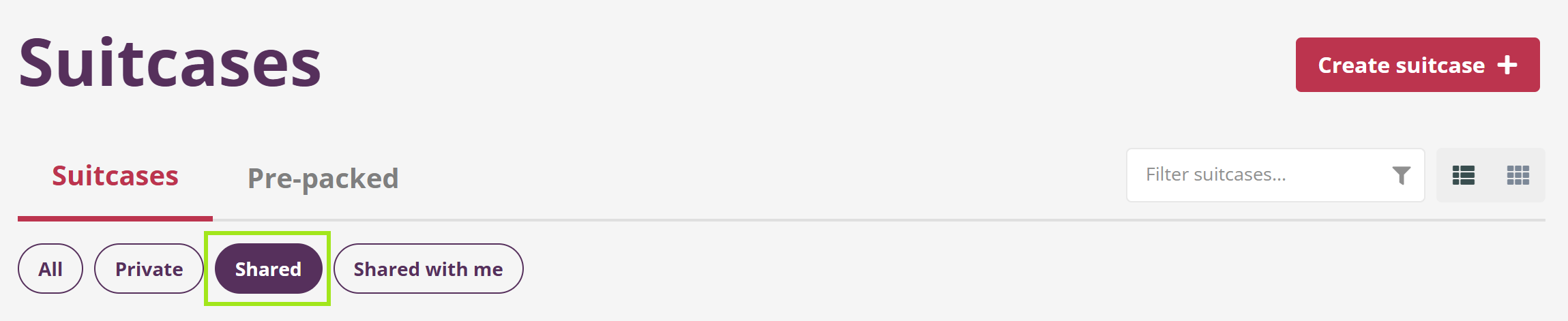
On the Suitcases page, navigate to your Shared Suitcases by clicking on the button:
-
Under the Shared tab are the Suitcases that you have shared with other Users.
-
To see Suitcases that others have shared with you, click Shared with me.
-
If you have Full Access to a Shared Suitcase, you may Edit the Insights and any of the content.
-
If you have Read only access to a Shared Suitcase and you want to Edit the Insights, use the Actions drop down menu to the right on the Suitcase page, select Duplicate and then select the Suitcase you wish to create the copy of the Shared Suitcase in.
This will allow you to edit the Insights and all other details in the new copy of that Suitcase.
What can you do with a Shared suitcase?
-
You and team members can collaborate on the Insights and Suitcases within a shared Suitcase.
-
You can use the Comment feature.
-
You can share your organisation's collection of Insights with partner organisations as read-only, for them to duplicate and refine to their needs.