![Seer Logo White.png]](https://knowledge.seerdata.ai/hs-fs/hubfs/Seer%20Logo%20White.png?height=50&name=Seer%20Logo%20White.png)
Showing or hiding the legend
To change the legend display:
-
Open your Dashboard in edit mode.
-
Click on the Insight block you want to update.
-
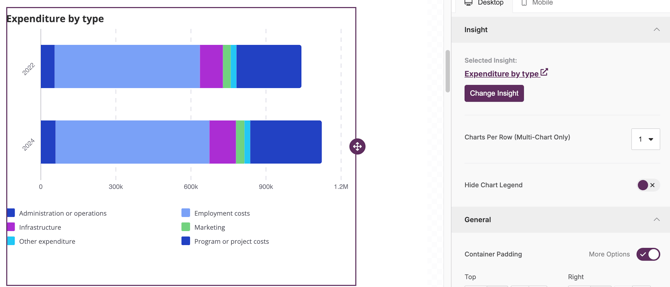
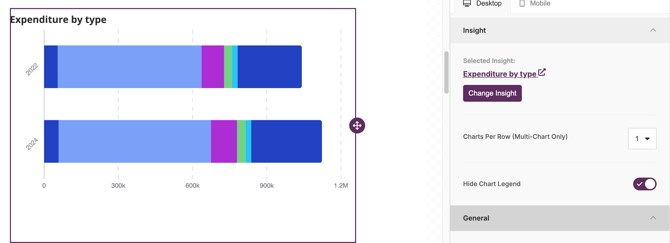
In the block configuration panel, find the Hide chart legend toggle.
-
Switch the toggle:
-
Off to show the legend
-
On to hide the legend
-
The chart will update immediately to reflect your selection.
When to hide the legend
Hiding the legend can be helpful when:
-
The chart labels are already clear
-
Space is limited on the Dashboard
-
The Insight is supported by nearby explanatory text