![Seer Logo White.png]](https://knowledge.seerdata.ai/hs-fs/hubfs/Seer%20Logo%20White.png?height=50&name=Seer%20Logo%20White.png)
How to preview your Insights from within your Suitcase
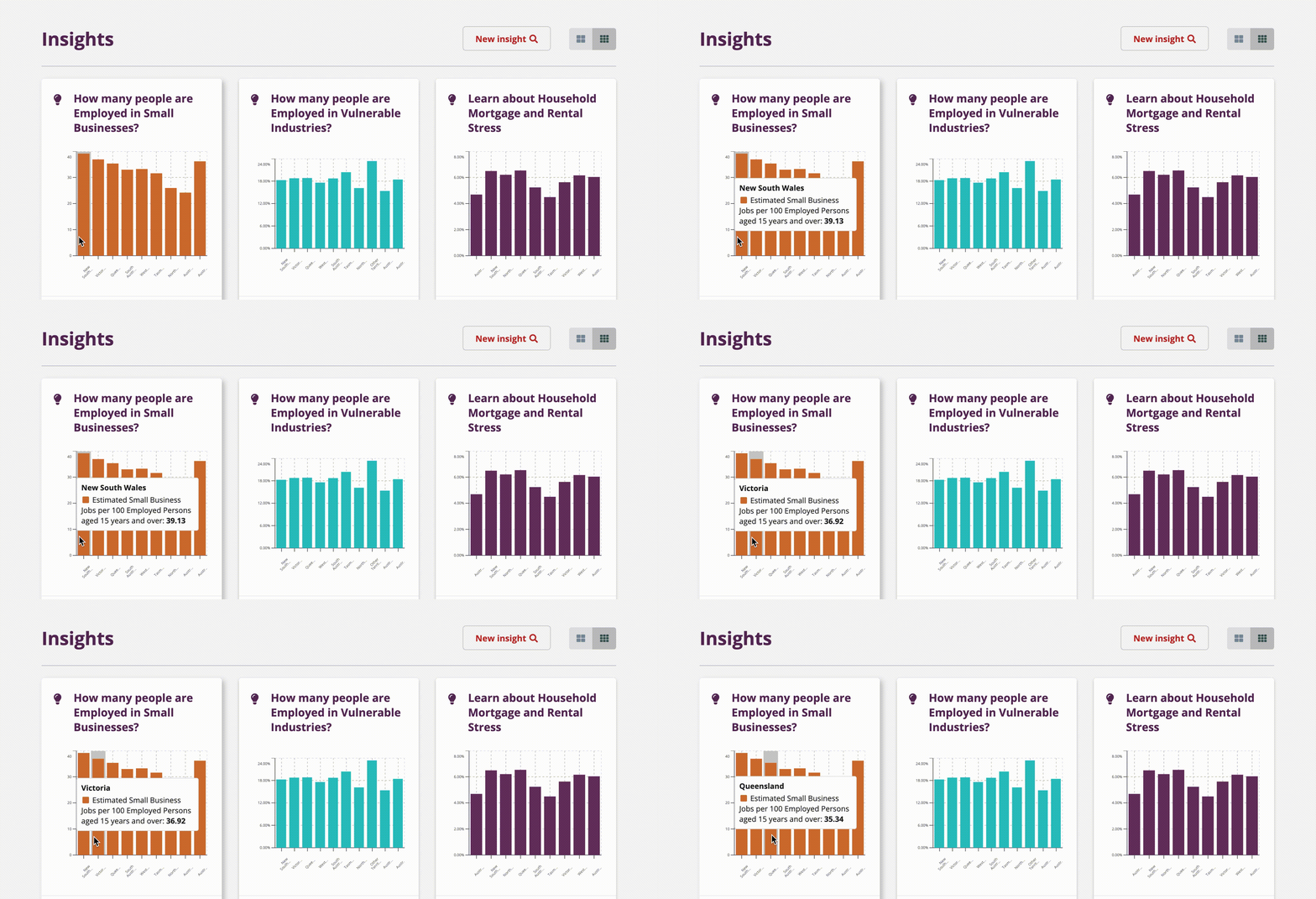
You can quickly preview live chart data directly from your Suitcase, without opening each Insight individually.
Previewing Insights
To preview an Insight:
-
Open the Suitcase containing the Insights.
-
Hover your cursor over a chart preview thumbnail.
A live preview will appear, showing the chart’s data and giving you a quick sense of what the Insight contains.