![Seer Logo White.png]](https://knowledge.seerdata.ai/hs-fs/hubfs/Seer%20Logo%20White.png?height=50&name=Seer%20Logo%20White.png)
Bulk-moving top-level Suitcases
To move multiple Suitcases:
-
Go to the Suitcases page.
-
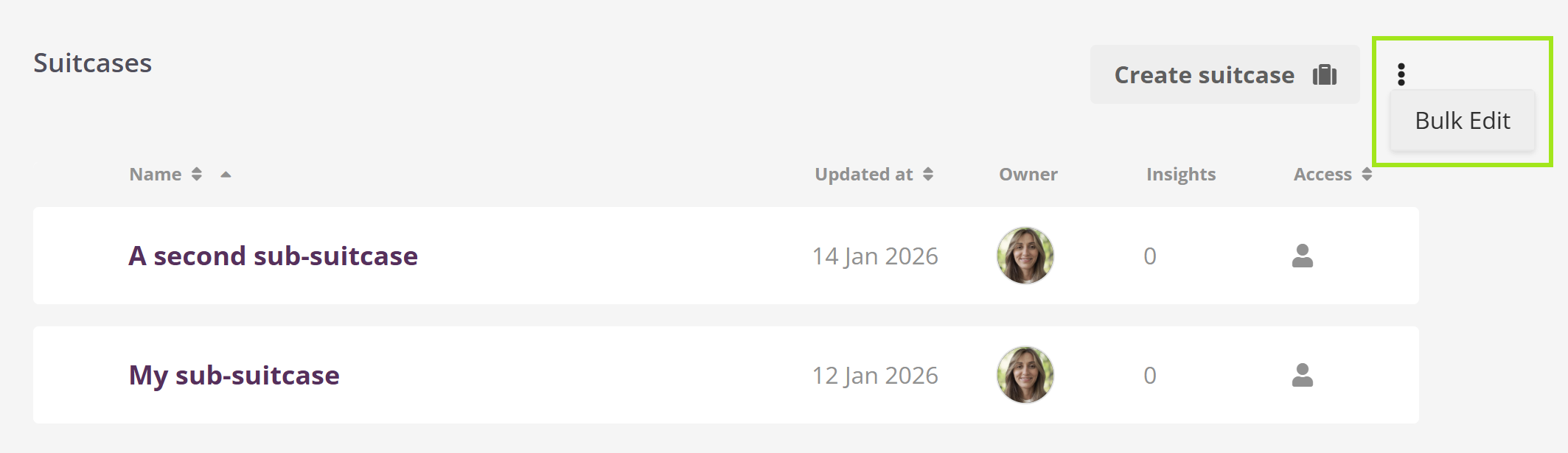
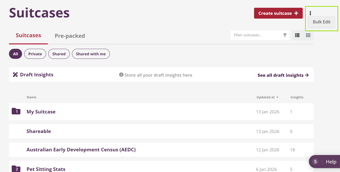
On the right-hand side, click the three-dot icon.
-
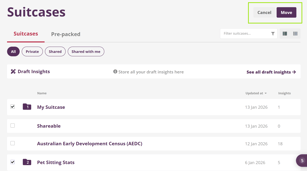
Select Bulk edit. Checkboxes will appear next to each Suitcase.
-
Check the Suitcases you want to move and click Move.
-
Choose the destination Suitcase.
-
Confirm the move.
Bulk-moving sub-Suitcases
You can also bulk-move sub-Suitcases, using the same process from within their parent Suitcase.