![Seer Logo White.png]](https://knowledge.seerdata.ai/hs-fs/hubfs/Seer%20Logo%20White.png?height=50&name=Seer%20Logo%20White.png)
You can upload files to a Suitcase to complement and support the Insights it contains. This might include PDFs, images, reports, or other documents that add context or supporting material.
Uploading files to a Suitcase
To add files to a Suitcase:
-
Open the Suitcase you want to work with.
-
Scroll to the bottom of the Suitcase page.
-
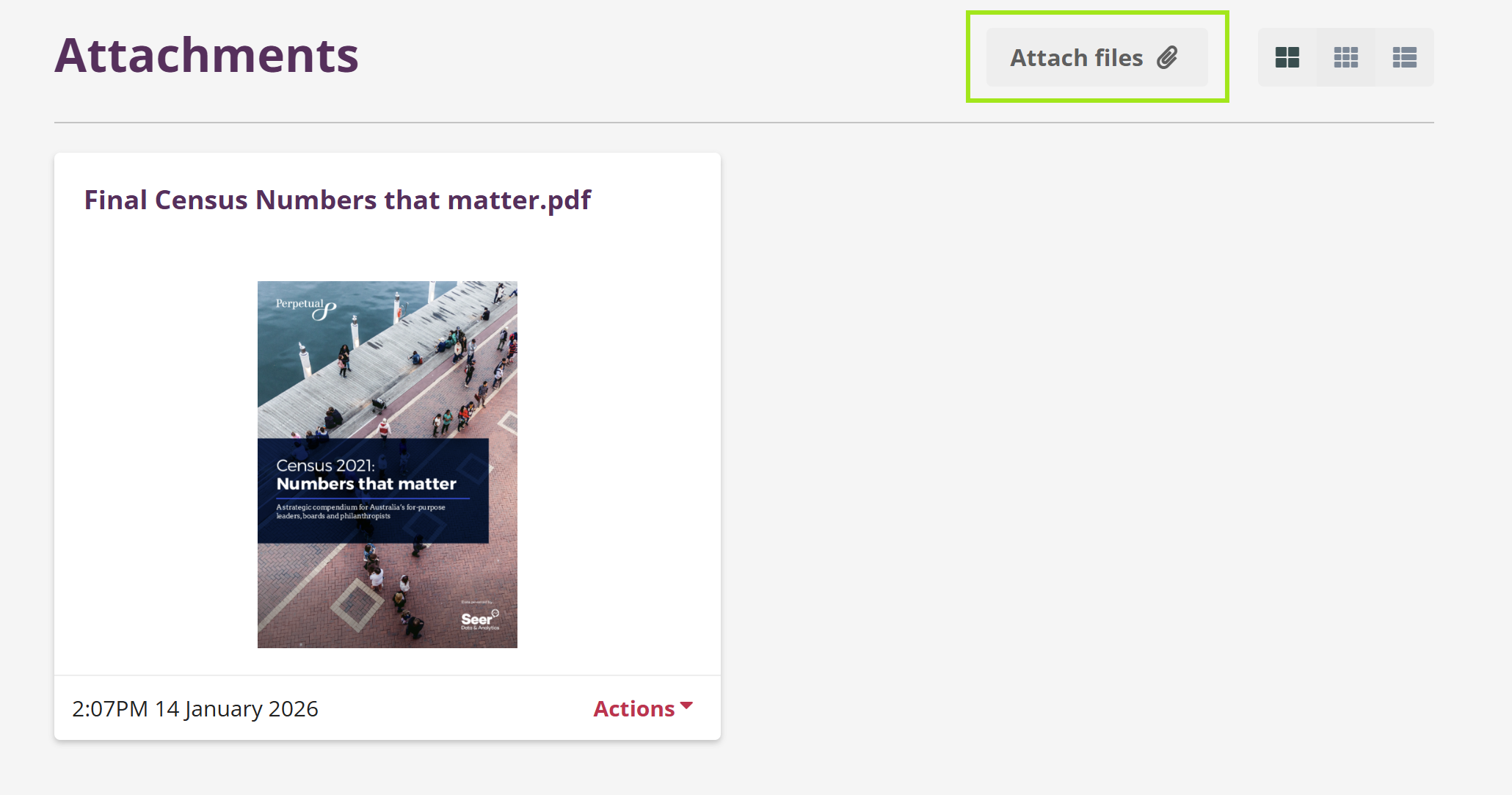
Click Attach files.
-
Select the files you want to upload.
Viewing uploaded files
Once uploaded:
-
Files will appear directly on the Suitcase page
-
Uploaded files are always available internally. If public access is enabled, they will also be visible to external viewers.