![Seer Logo White.png]](https://knowledge.seerdata.ai/hs-fs/hubfs/Seer%20Logo%20White.png?height=50&name=Seer%20Logo%20White.png)
1. Go to the Seer home page and click on the Get started for free button in the top right hand corner.
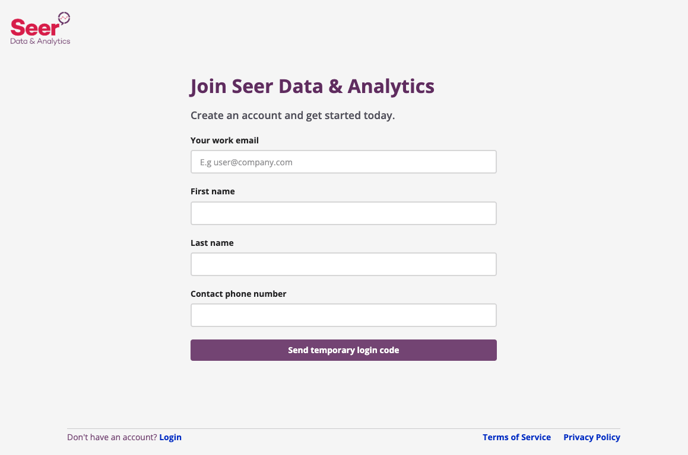
2. The Join Seer page will open up. Fill in your details and then click the Create Organisation button. You will receive an email with a temporary code to Log In.