
Preview the Form
- Select Preview in the top right corner of the Form
- You are switched to Preview mode where you can interact with the Form fields to discover how they will look and respond to interaction.
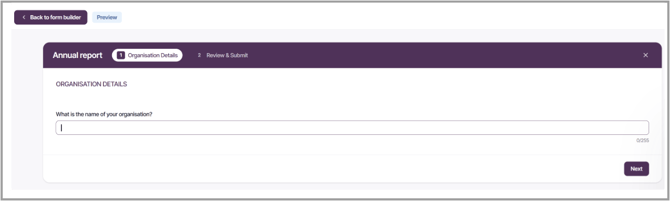
Return to Build Form mode to continue editing, select Back to form builder in the top left corner of the Form. Once you have completed the Form build, review the Dataset Mapping.