
The Data Catalogue brings together all datasets available to you and makes it easy to see what covers the locations you’re interested in.
➝Learn more about the Data Catalogue here
Step-by-step: finding data for your area
-
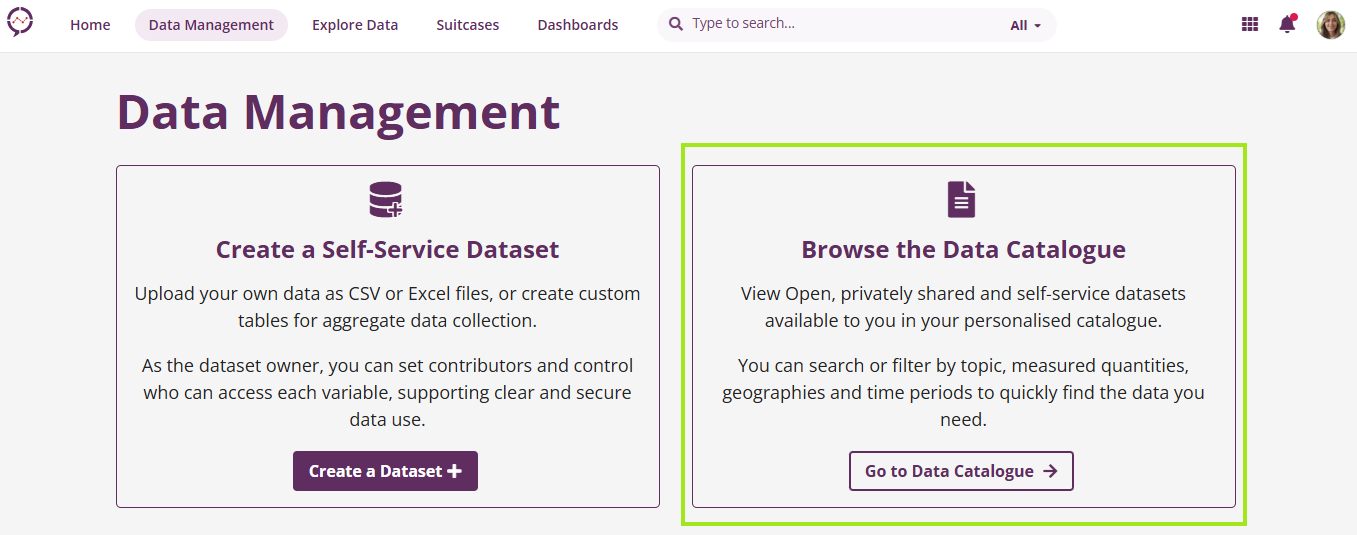
Open the Data Catalogue: From within the platform, go to the Data Management space and select Data Catalogue.
-
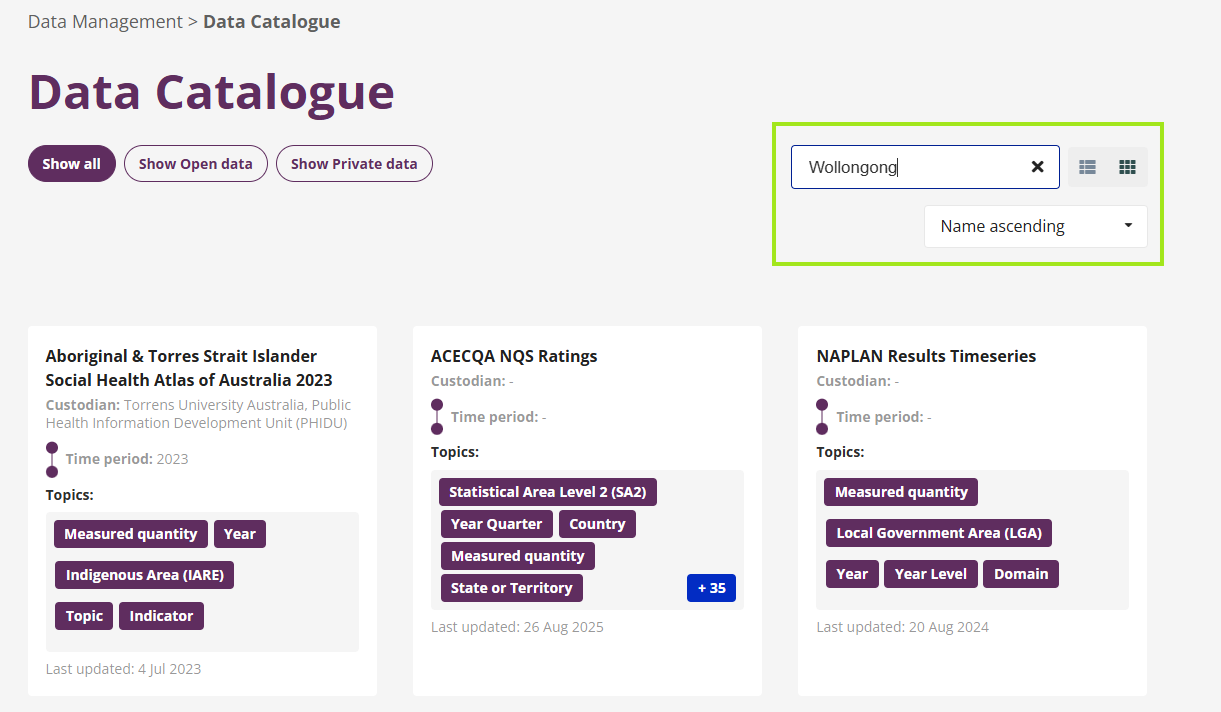
Search for a location: Use the search bar to enter the name of a geographic area, such as a city, region, or locality. For example, searching for “Wollongong” will return datasets that reference or include data for that area.
-
Review the results: Any dataset that contains data related to your search term will appear in the results list. You can open a dataset to view more detail, including descriptions, coverage, and available metadata.
What you’ll see
Searching by location helps you quickly identify:
-
Which datasets include data for your area
-
The type of information available (for example, population, services, outcomes, or trends)
-
How current and detailed the data is
This makes it easier to understand what evidence is available before exploring or analysing the data further.
Need help finding the right data?
If you’re unsure which datasets are most relevant for your work, or if you’re looking for data that isn’t currently listed, you can contact us to discuss your needs.